Give your scraps a home.
Choose a folder. Notes, reference images, documents—the files you keep reaching for, all in one place.
 merfPERSONAL EFFECTS DIVISION
The universe is expanding.
Your tabs don’t have to.
That note. That image. That file you swear you just had. Merf keeps the little things in a quiet drawer at the edge of your Mac.
macOS 13+ · No account required · Very much of this Earth.
Remember
the good
stuff.
You could shout into the void.
Or just press ⌃ ⇧ Space.
A tiny website demo. Your real scraps stay on your Mac.
The thought you wanted to keep. Right here, where you left it.
Choose a folder. Notes, reference images, documents—the files you keep reaching for, all in one place.
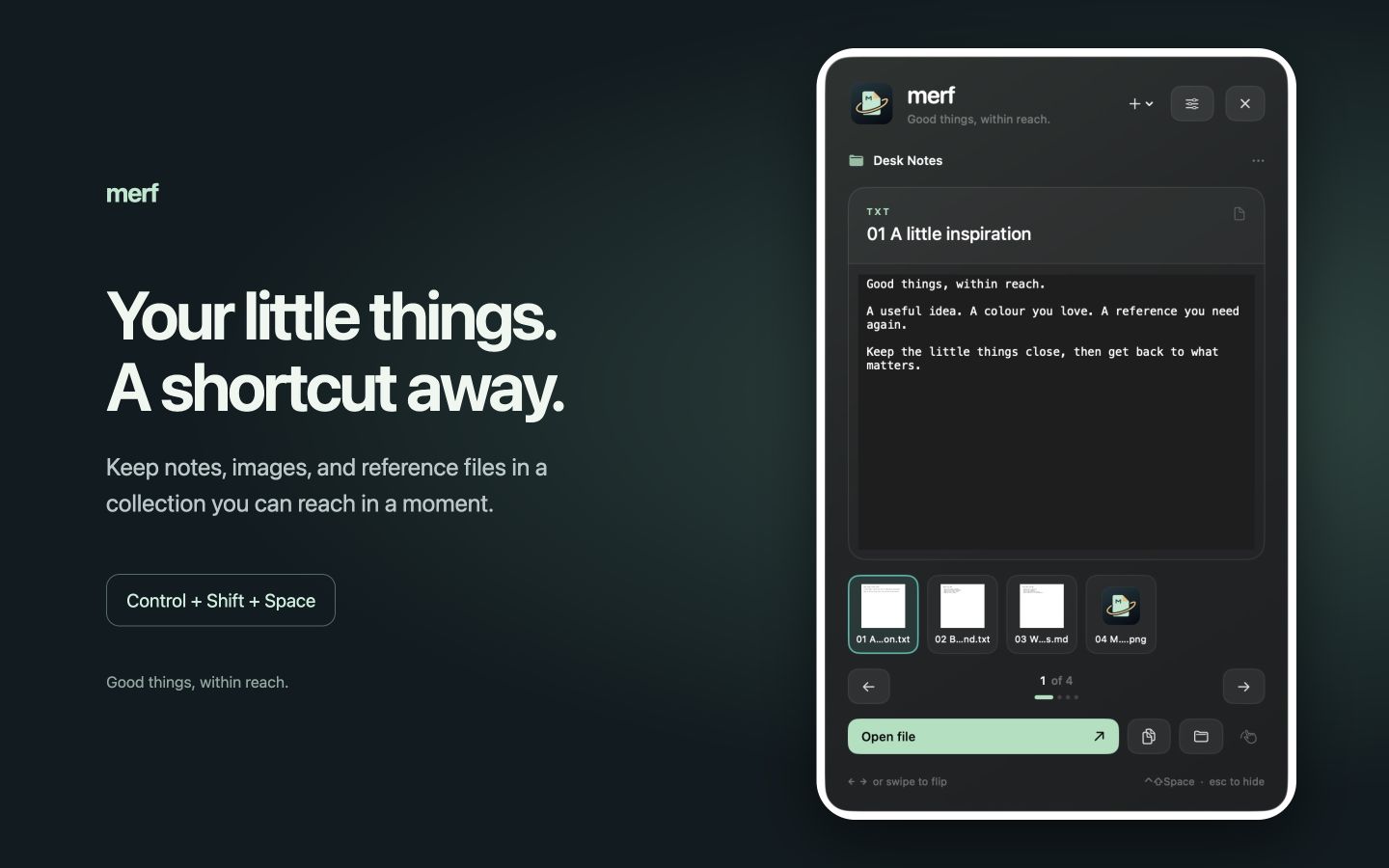
A global shortcut brings Merf in from the side of your screen. Browse thumbnails, flip through scraps, open a file, or drag it into your work.
Command–N opens a note, ready to type. Capture copied text and images before the next distraction launches.
You pick the screen edge.
We’re not the mission commander.
Drag emails from Apple Mail, attachments intact. Share websites, text, images, and files from compatible apps. Website captures save links, not offline pages.
Even that email you keep emailing yourself.
Drop files onto the little tab at your screen’s edge. It opens to collect them. The drawer accepts drops over the preview, too.
No 47-page docking procedure. We checked.
Search notes, PDFs, and text recognized in images. Pin your regulars in Keep handy. Make stacks of related scraps without moving their files.
A search party. Minus the party planning.
A scratchpad that remembers unfinished ideas. Floating scraps beside your work. Swiping through previews. Supported audio and video, ready to play.
For ideas that arrive at inconvenient times.
Ordinary files in a folder you choose. No Merf account, ads, or analytics. Local by nature. Merf has no built-in cross-device sync.
The privacy particulars ↗